Kill Reels.
Keep the DMs.
You opened Instagram to answer one message. Forty minutes later you're 200 Reels deep. InstaBlock makes the scroll hole stop working — and leaves everything else alone.
iPhone, iPad & Android · No account · No tracking · Free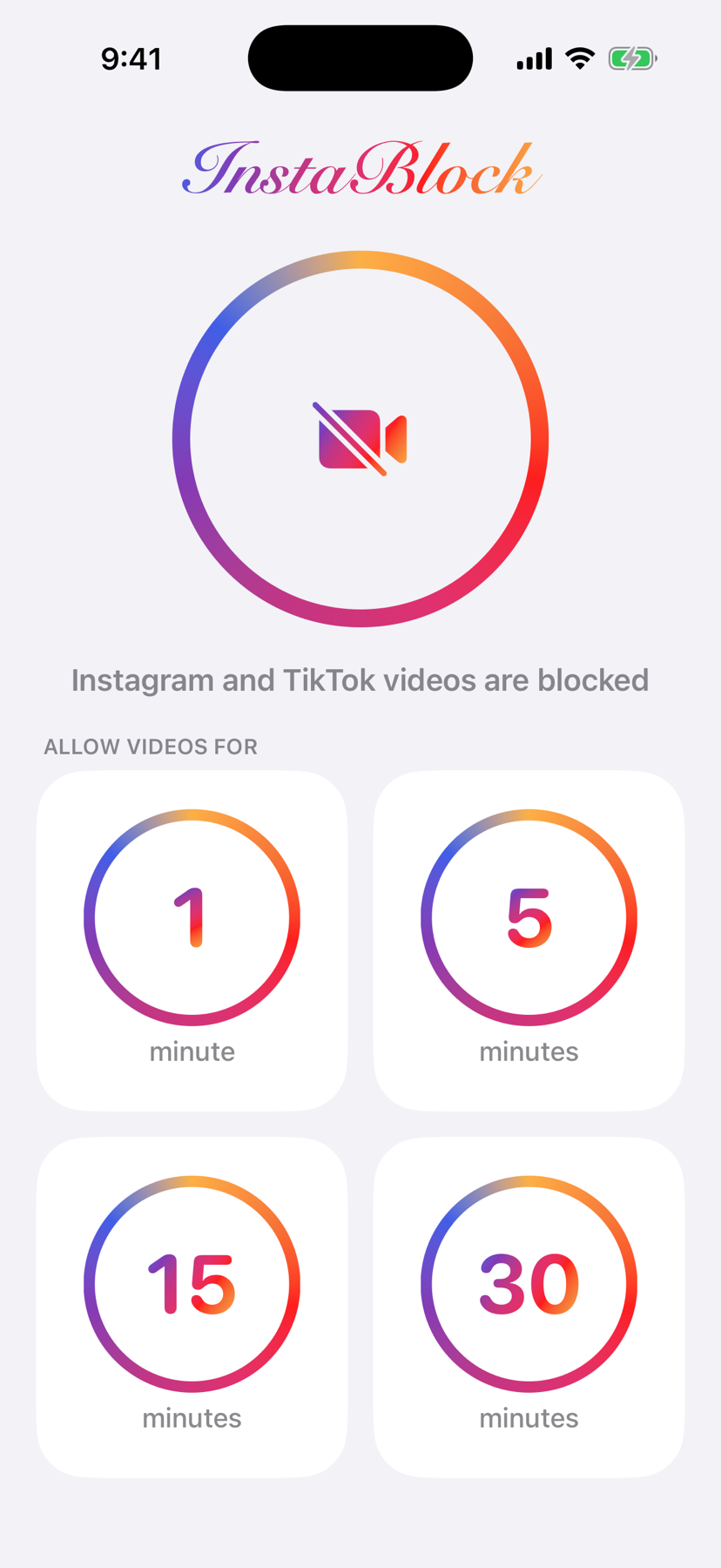
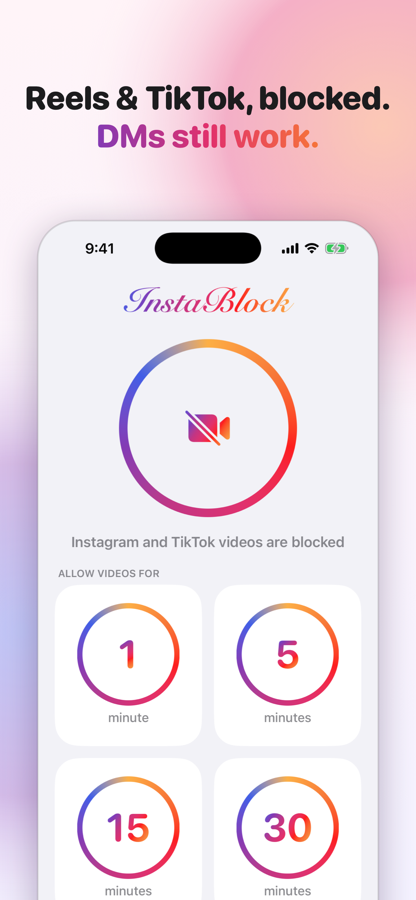
Reels and TikTok, just don't play.
Everything you actually use Instagram for keeps working.
Videos stall
Reels and TikTok clips fail to load. No feed of infinite dopamine, no "just one more".
DMs, stories, photos work
Messages, comments, stories and your feed are untouched. You stay reachable — just not by the algorithm.
Always on
Blocking runs the moment the app is installed. There's no toggle to cheat with at 1am.
Want to scroll? Take a timed break.
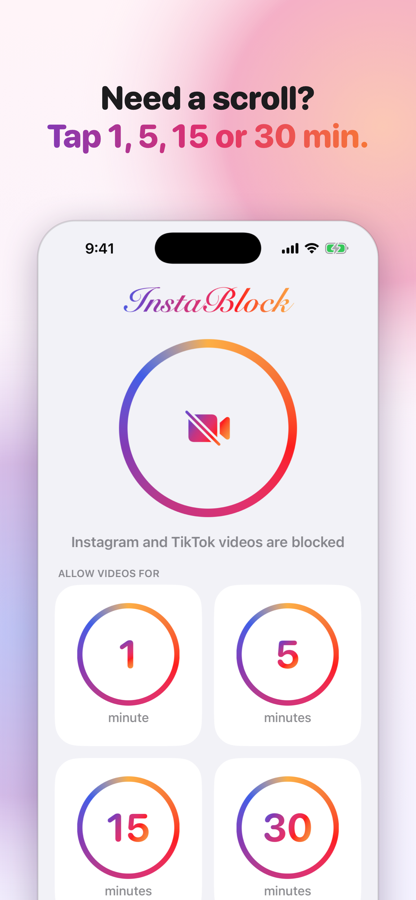
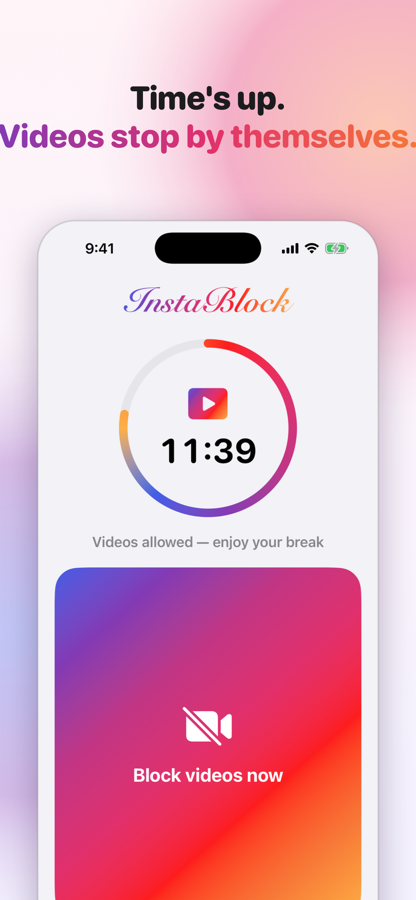
Sometimes you do want to watch something. Fine. Tap 1, 5, 15 or 30 minutes and videos come back. When the timer ends they stop again on their own — you don't have to do anything, and you don't have to open the app. No willpower required.
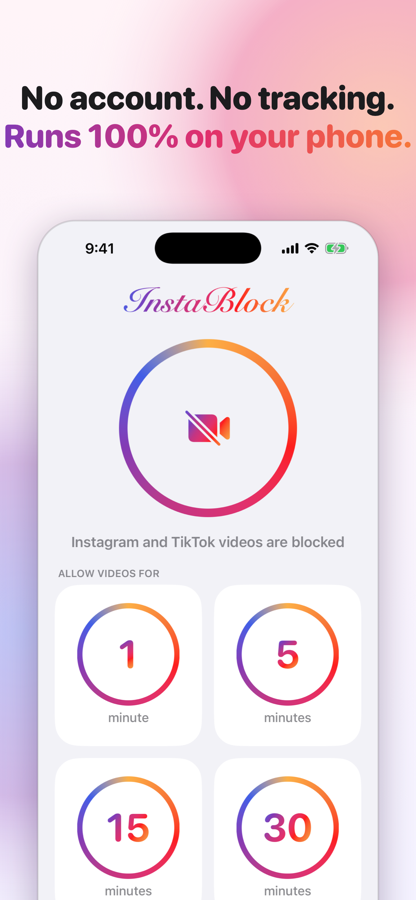
How it actually works (no dark magic)
InstaBlock sets up a local, on-device network filter. iOS calls it a VPN, but nothing leaves your phone and nothing is routed through a server. It slows Instagram's and TikTok's video servers to a crawl — enough for photos and messages, nowhere near enough for video. That's it.
- No account, no sign-up, no servers, no analytics, no data collection.
- A VPN badge shows in your status bar while blocking is on. That's the filter running locally.
- Photos may load a touch slower. Messages are unaffected.
- TikTok caches clips ahead of time, so a couple of already-downloaded videos can play right after a break before the block catches up.
FAQ
Why not just use Screen Time?
Screen Time blocks the whole app, so you either lose your messages or tap "Ignore Limit" and keep scrolling. InstaBlock removes only the addictive part and leaves the useful part alone.
Does it work with TikTok too?
Yes. TikTok's video servers are blocked the same way. Since TikTok is all video, the feed effectively stops loading while blocking is on. A break brings it right back.
Is it really a VPN? Does my traffic go somewhere?
It uses iOS's VPN framework to run a filter on your phone, but it has no server. Your traffic goes exactly where it always went — the app just refuses to let video servers stream at full speed.
Can I turn blocking off?
You can pause it for 1, 5, 15 or 30 minutes with one tap. There's deliberately no permanent off switch — deleting the app (or its VPN profile in Settings) is the only way out. That's the point.
Does it drain battery or slow the internet?
No. Only traffic to Instagram's and TikTok's video servers passes through the filter; everything else never touches it.
Does it collect anything?
Nothing. There's no backend to collect it with. See the privacy policy.
Can I use InstaBlock together with my regular VPN?
Not at the same time — phones allow only one active VPN, and InstaBlock's filter counts as one. When you turn on another VPN, InstaBlock steps aside and sends a notification that videos are no longer blocked. When that VPN disconnects, InstaBlock comes back: on iPhone tap "Turn InstaBlock back on" in the notification (or just open the app), on Android it returns by itself where it can and otherwise sends a one-tap notification. It never kicks your other VPN off on its own.
Why does the app say "Paused — another VPN is active"?
Because another VPN currently holds your phone's VPN slot, so InstaBlock's filter isn't running and videos will play. Turn that VPN off, or use the "Turn InstaBlock back on" button if you'd rather InstaBlock take over right now.
Does it keep working when I switch between Wi-Fi and cellular?
Yes. The filter follows your phone across networks and re-checks its settings on every switch, so nothing needs to be re-enabled.
Is there an Android version?
Yes — InstaBlock for Android works the same way and has the same design, with one bonus: Android lets the filter apply only to the Instagram and TikTok apps, so nothing else on your phone ever touches it. One difference: Android asks for VPN permission again after another VPN app has been used, so coming back after your other VPN is one tap plus the system's permission dialog.
Your thumb will thank you.
Free for iPhone, iPad and Android.
Android: the filter applies only to the Instagram and TikTok apps — everything else on your phone stays untouched.